CellarSync

CellarSync/Features/Activity log

What happened, and when

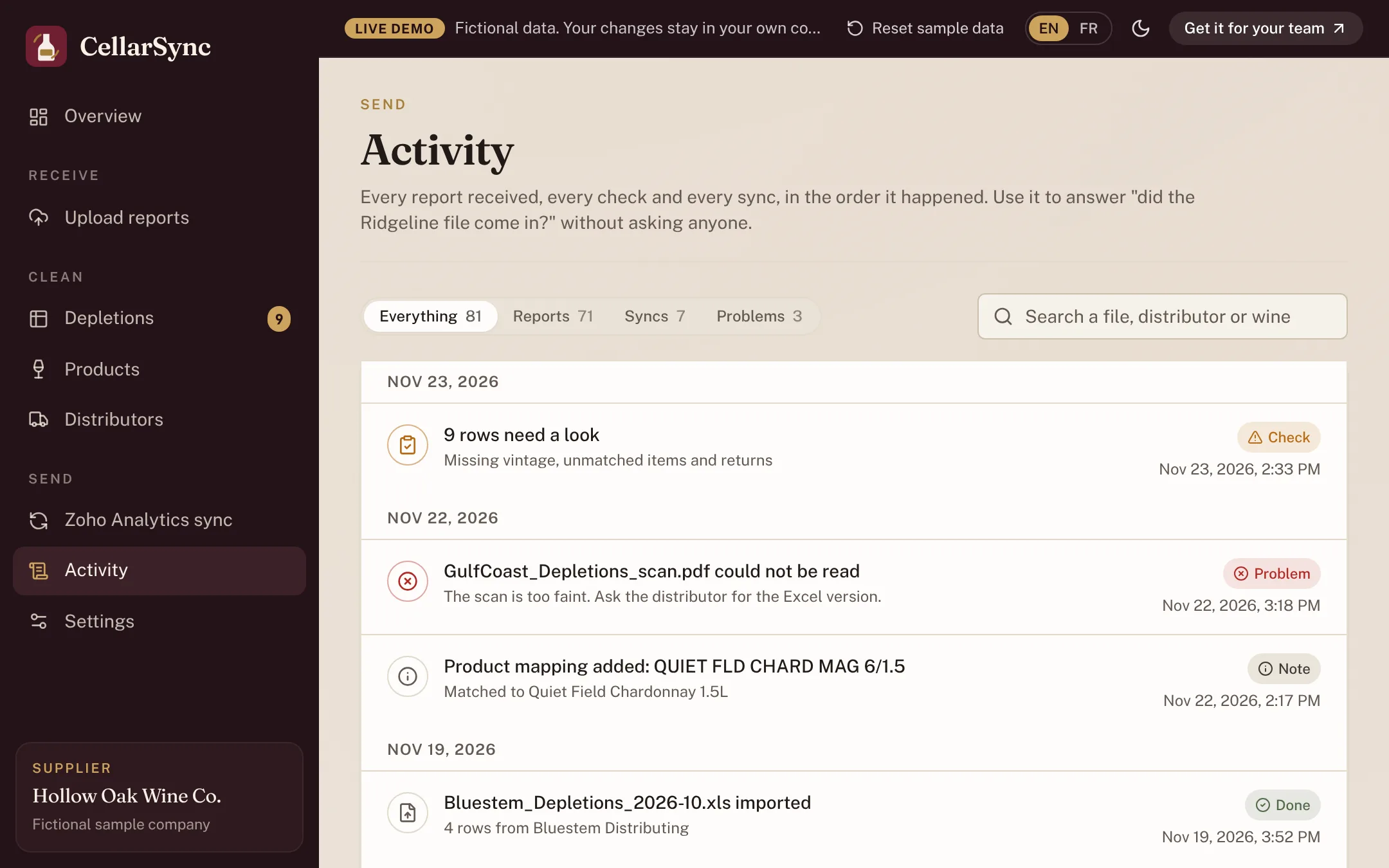
Every report received, every check and every sync is written to a log, grouped by day and searchable by file, distributor or wine.

One click, no account. The data belongs to a fictional winery; you get your own copy, and it resets after 45 idle minutes.

Activity logcellarsync.techma.ai/app
The activity log grouped by day: reports imported, a file that could not be read, mappings added and syncs

Filtered by type

Everything, reports, syncs or problems only. Each entry shows what happened, the detail, and whether it was done, to check, or a problem.

Why it matters

When a number looks wrong in a dashboard, the log tells you which file it came from, when it was imported and when it was sent.

Live demo

Pour a report in. Watch it come out clean.

CellarSync is a working application, not a mock-up. Upload a sample distributor file, check its columns, fix the rows it flags and run a sync to Zoho Analytics as a dry run.